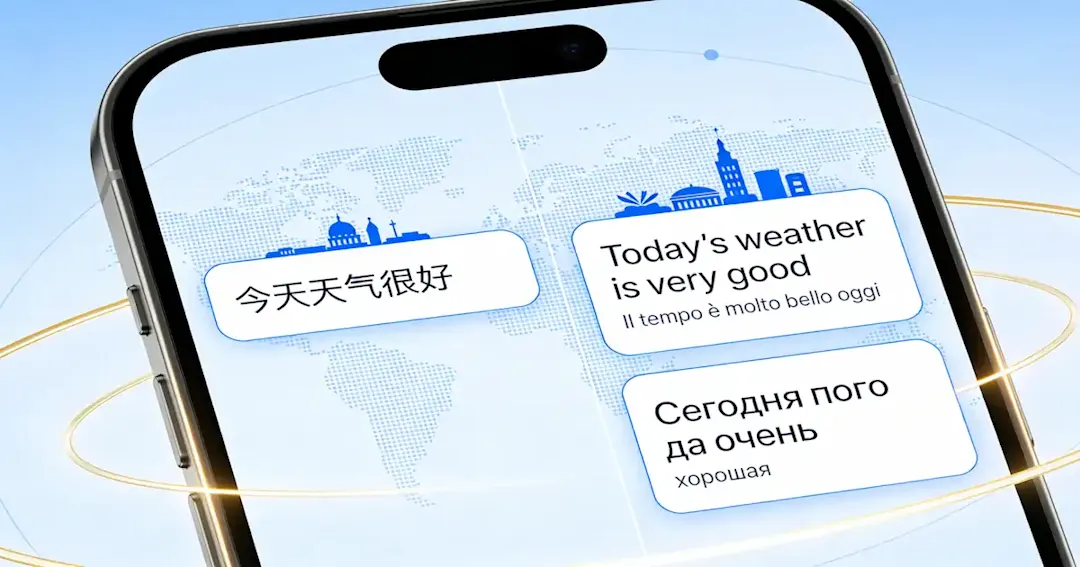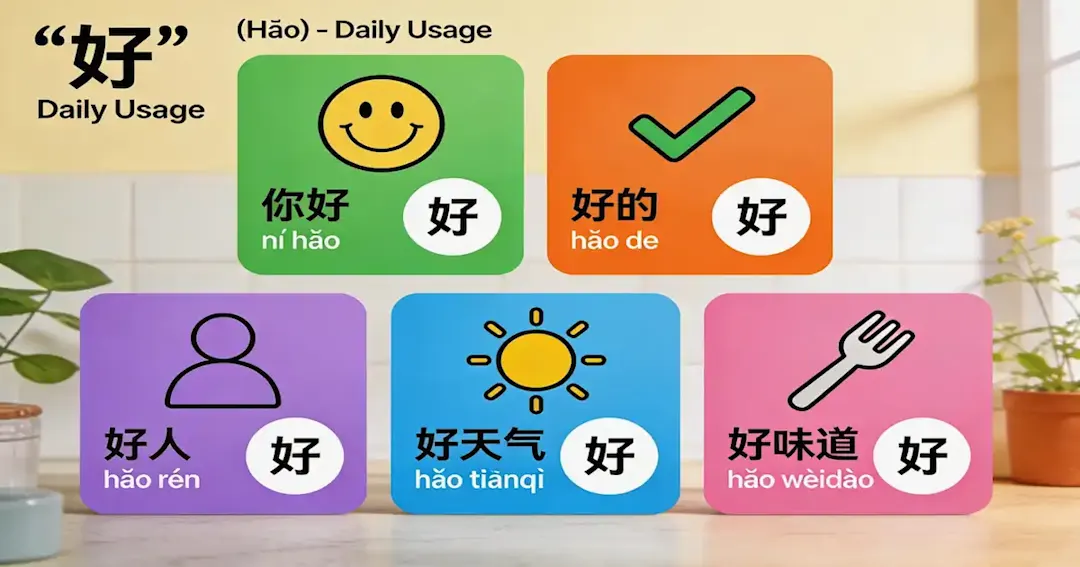

If you’ve ever stared at a Chinese menu or a teacher’s message in a parent chat and only caught half of it, you already get why a solid chinese translator app matters. Add travel, homework, and grandparents’ calls—and you need something that works instantly.
This 2026 chinese translator app comparison helps you choose the right app fast. We’ll sort options by real family scenarios—daily use, homework, WeChat, China travel, and camera translation—and flag the common fail points like tone and politeness, so you know what to download and how to avoid copy-paste dependency.

Chinese translator app comparison table
Below is a practical chinese translator app comparison table. The goal is not to crown a single winner—it’s to help you pick the right tool for your family’s use case.
Chinese translator app | Price (typical) | Best features | User experience | Difficulty | Pros | Cons | Best for |
Google Translate | Free | Text, camera, voice, offline packs | Very easy | Low | Fast, broad coverage, familiar UI | China travel can be tricky without proper access; sometimes unnatural phrasing | Everyday translation, quick family use |
Pleco | Freemium | Dictionary depth, handwriting, OCR (features vary) | Learner-friendly | Medium | Great for learners: definitions, examples, character support | Not always the fastest “instant chat translator” | Homework support, building vocabulary |
Baidu Translate | Free/Freemium | China-friendly reliability, solid text translation | Simple | Low–Medium | Often recommended for working smoothly in China | Interface may feel less familiar to some parents | Travel in China, practical daily use |
WeChat translate / mini-programs | Free | Translating chats where they happen | Convenient | Low | Great for WeChat-based communication | Limited when you need “outside the app” workflows | Messages, school/community groups |
Microsoft Translator | Free | Text/voice, often suggested for China access | Clean UI | Low | Often suggested as an accessible option in China | May feel less powerful for Chinese learners than Pleco | Travel + basic conversations |
Papago | Free/Freemium | Strong in some Asia language pairs; decent chat feel | Smooth | Low | Frequently mentioned as workable without a VPN in China by travelers | Results vary; less “Chinese learner” tooling | Travel, casual chatting |
DeepL | Freemium | Excellent for some languages and formal writing | Polished | Low | Some users prefer it for translation quality | For Chinese, results can be mixed depending on context | Polished English writing + some Chinese tasks |
Waygo | Freemium | Menu/sign translation niche | Simple | Low | Helpful for visual translation use cases | Narrower use case; not your “do everything” app | Menus, signs, quick travel moments |
If you want someone to turn those phrases into real speaking habits—pronunciation, natural sentence patterns, confidence—this is where a structured class helps. Some families use LingoAce for exactly that: teacher-guided speaking practice that’s age-appropriate, with a clear pathway from “I can translate it” to “I can say it.” If you’re curious, you can book a LingoAce trial class and see whether your child actually engages with the format (that’s usually the deciding factor).

Which chinese translator app should you choose
1) The “we travel, we need survival mode” family
Pick a chinese translator app combo:
One general tool (Google Translate) + one China-friendly backup (Baidu or Microsoft) Why: travel stress is not the moment to discover your only app can’t load.
2) The “homework arrives in Chinese” family
Pleco + a general translator Why: you need dictionary support and character help, not just sentence swapping.
3) The heritage family (grandparents, family chats, identity stuff)
A chat-friendly tool (WeChat translate) + a learning-oriented tool (Pleco) Why: your kid needs to feel they can participate, not just watch you translate.
4) The non-Chinese-speaking parent who wants “simple, please”
Google Translate or Microsoft Translator, whichever you find easiest Why: the best app is the one you’ll actually use consistently.
FAQ
1)What is the best offline chinese translator app?
Look for apps that support offline language packs and test them before you need them. Many families use Google Translate offline packs as a baseline, then keep a second option ready for travel scenarios.
2)Which chinese translator app is best for camera translate
Camera/OCR translation is a common “menu and signs” use case; lists targeting China travel frequently recommend Google Translate plus niche options like Waygo depending on what you’re translating.
3)Is Google Translate accurate enough for Mandarin?
It’s often accurate enough to understand the gist, especially for simple sentences, but can miss tone, context, and social nuance—so “right” can still feel wrong in real conversations.
4)Pleco vs Google Translate: which is better for learners?
If your goal is learning—characters, vocabulary building, understanding why a sentence works—Pleco is usually the stronger learner tool. If your goal is fast everyday translation across many situations, Google Translate is often easier and faster.
Conclusion
A good chinese translator app in 2026 is the one that matches your family’s real situations: travel moments, homework confusion, awkward “I want to be polite” messages, and daily chats that don’t wait for you to become fluent.
If you’re ready to move from “We translate everything” to “My child can actually respond,” consider trying a structured class. Some parents test LingoAce because it’s built for kids and focuses on speaking confidence with guidance from native Mandarin teachers; you can book a LingoAce trial class and see if it fits your child’s personality and level.